Paper & CSV import
Photograph walk sheets or drop a spreadsheet — review AI matches, then commit.
For campaign adminsSome volunteers will always prefer paper. Other campaigns already have hundreds of rows in a spreadsheet. Manual Input (admin sidebar) lets you photograph sheets or upload CSV — AI reads rows, matches addresses, and queues everything for your review. Nothing hits the map until you approve.
Open Manual Input
Admins open Manual Input. You can photograph paper walk sheets (batch-friendly) or switch to CSV upload.
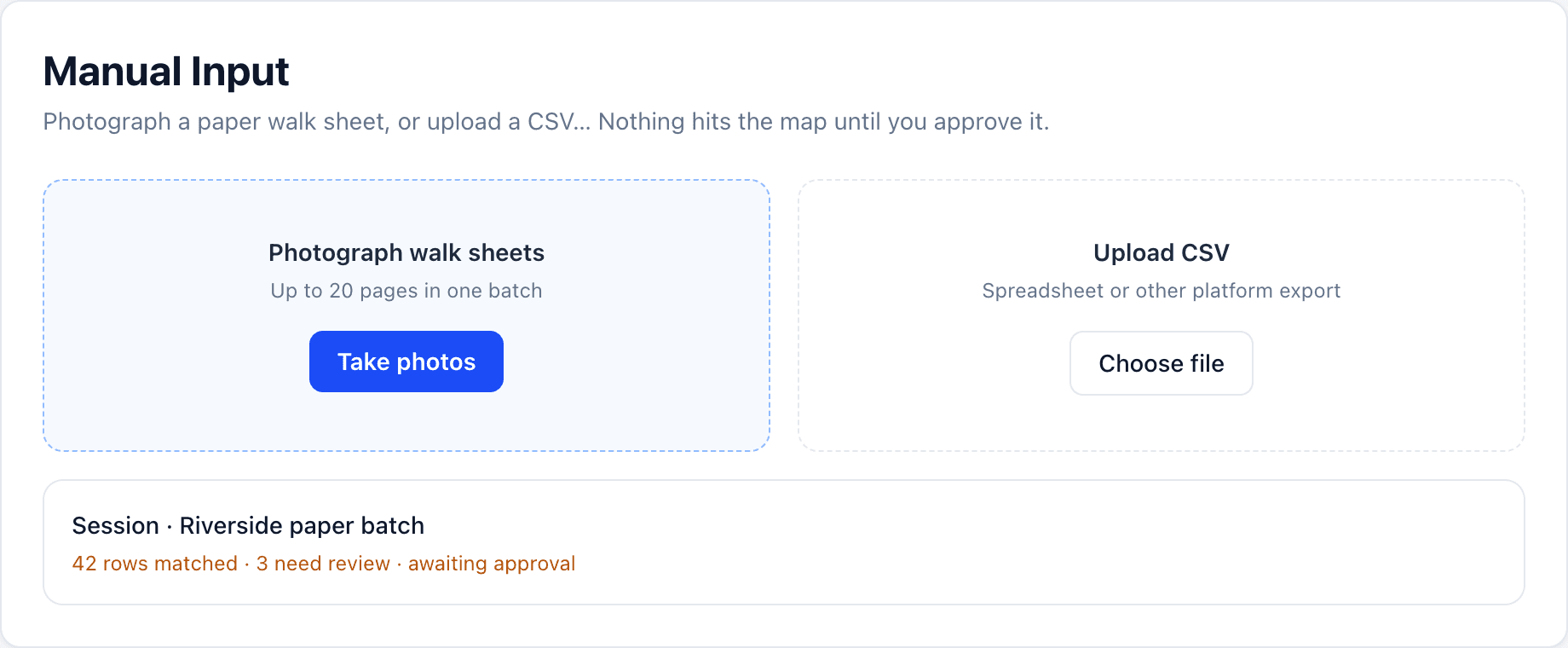
Photograph the sheets
Shoot clear, well-lit pages. You can process multiple sheets in one session. Optional plain-language instructions help the model (for example “column 3 is support 1–5”).
Or upload a CSV
Drop an export from another platform or your spreadsheet tracker. AI maps columns to DoorLine fields; you correct anything that looks wrong before commit.
Review before commit
Each import session shows matched addresses and extracted outcomes. Fix mismatches, discard junk rows, then approve. Approved knocks appear in Data & Export and on the map like any other response. A photographed sign-install sheet (In / Dmg / Skip) writes those ticks onto the existing sign requests. A GOTV sheet (V / R / NH / X) updates the turnout list — voted doors drop off. Lit Drop sheets land as literature-dropped knocks.
After import, check Data & Export and Analytics.