Custom questions
Campaign intake fields and resident phone capture so the door form matches your script.
For campaign adminsEvery campaign asks slightly different things — voted last cycle, supporting another candidate, age cohort, GOTV asks. DoorLine ships a standard support scale and contact fields; intake fields let owners add the rest.
Open Settings (owner)
Only the campaign owner sees Settings. Find the intake fields section.
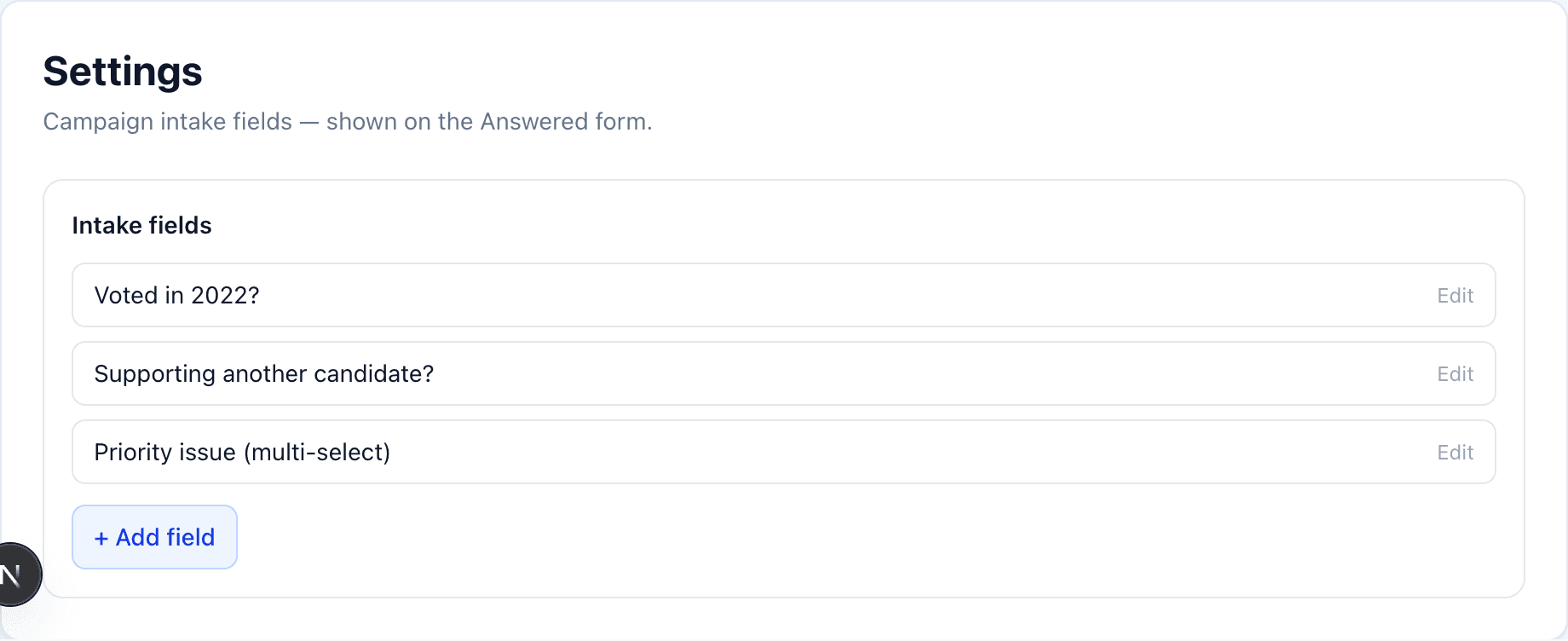
Define each question
Give the field a clear label canvassers will recognize. Use toggles / multi-select options when answers should be consistent for export. Save — changes apply to new knocks on that campaign.
Confirm you are on the right campaign
Intake fields are per campaign. If a question “is missing” on the phone, check which campaign the device is using.
At the door
After choosing Answered, canvassers see your custom fields under the standard support and volunteer/sign/donate toggles. Values flow to Data & Export.