Door knocking
List and map views, outcomes, support scores, offline sync, live teammates, and map colors.
For admins and canvassersOpen the canvass
From the canvasser home screen — after saving DoorLine to the home screen if you have not yet — pick a canvass and tap Start canvassing. Lists are grouped — Signs, GOTV, Lit Drop, then door knocking — so a split (1/7 … 7/7) sits together at the top. Search, filter by type (or Mine, if a piece is labeled with you), and sort by newest, name, remaining doors, or progress. Canvasses marked complete, and older ones that are far enough along, stay off this screen. You will see progress (done/total) and a List / Map toggle.
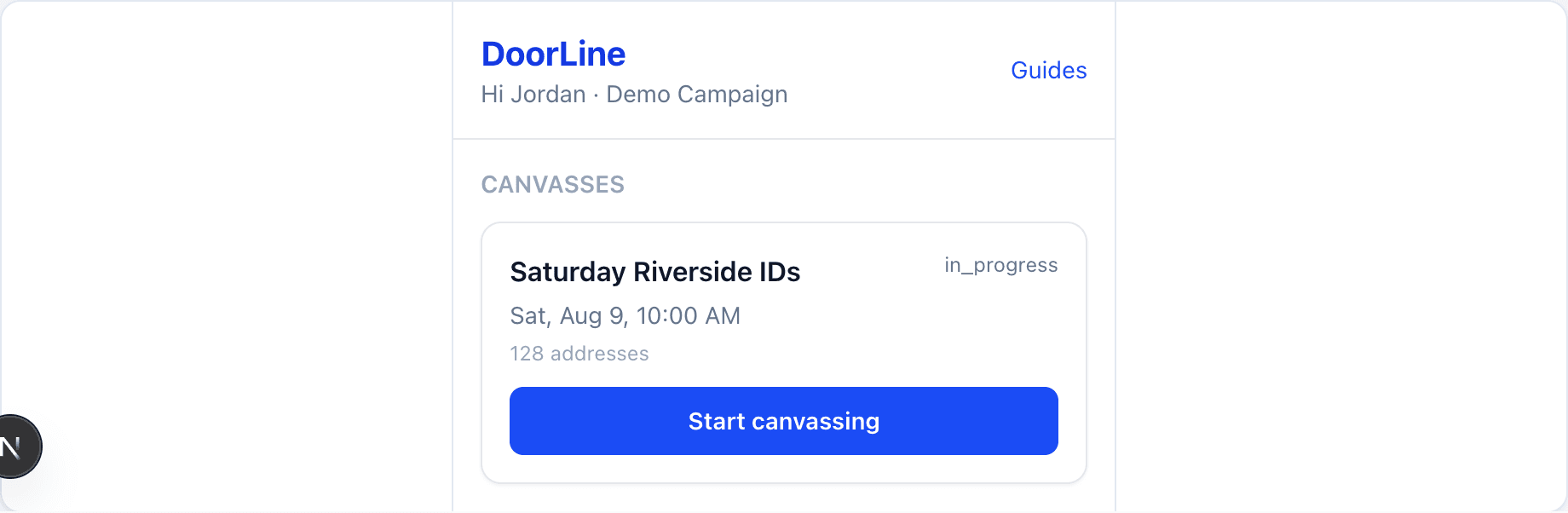
Choose List or Map
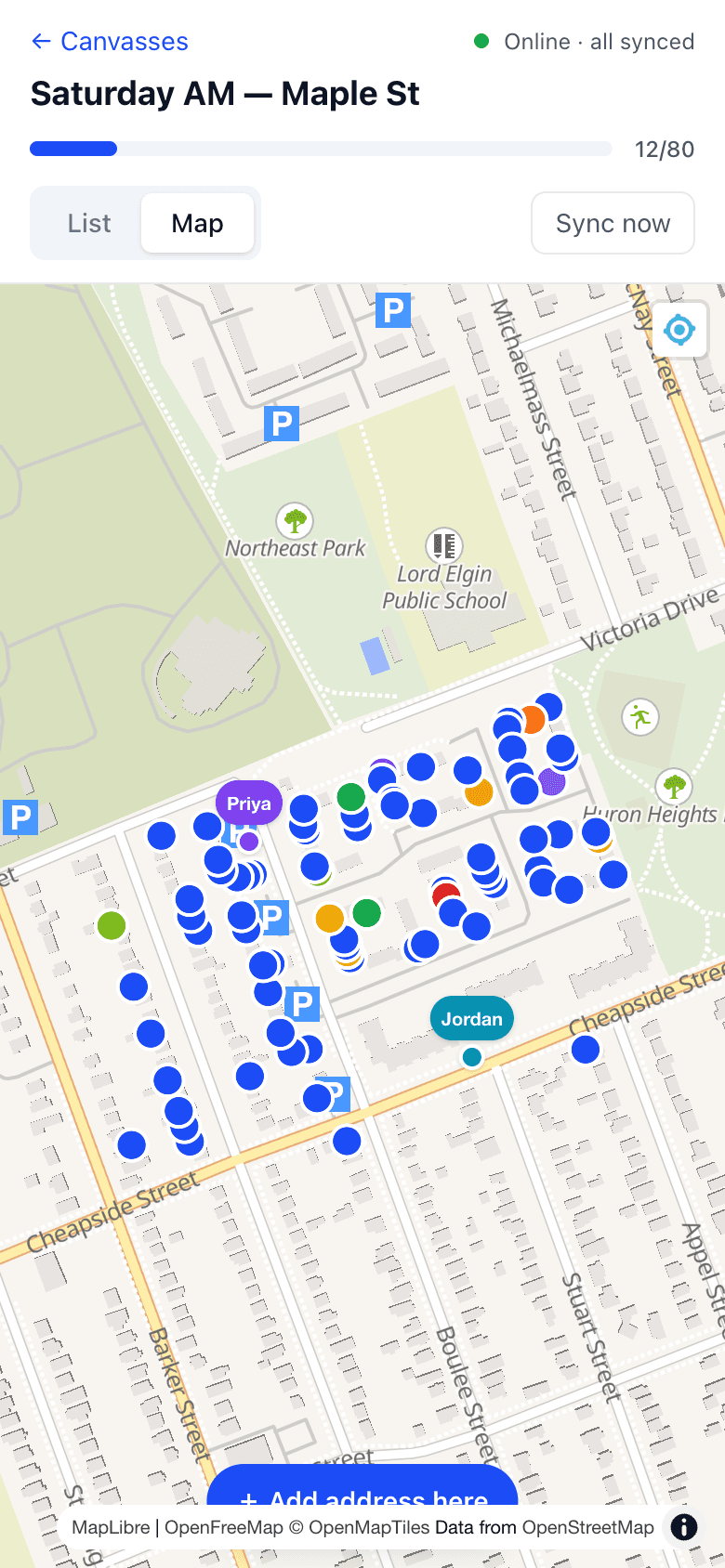
List sorts by street then house number — great on foot. Map shows door pins and live teammate locations. Tap Sync now anytime; the sync badge shows online/offline and how many knocks are waiting to upload.
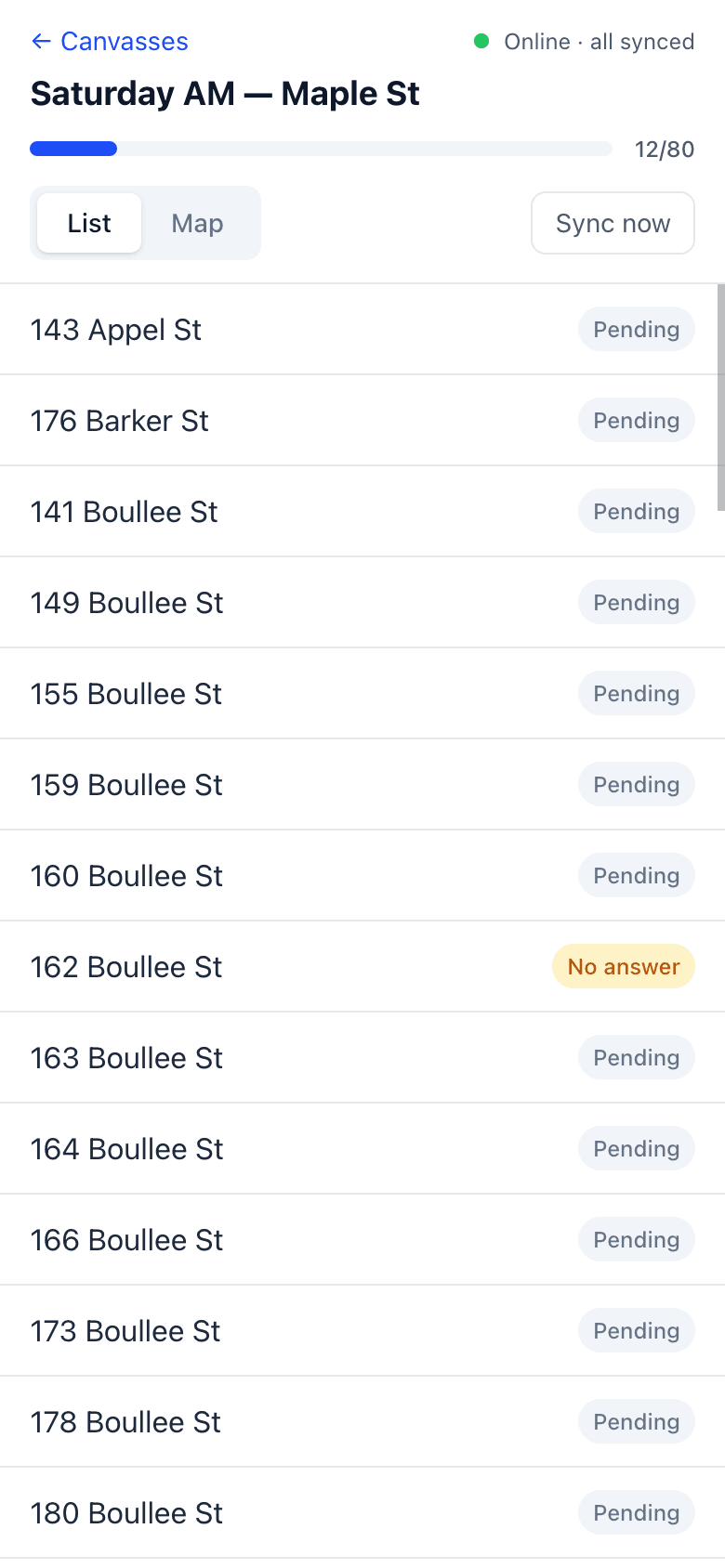
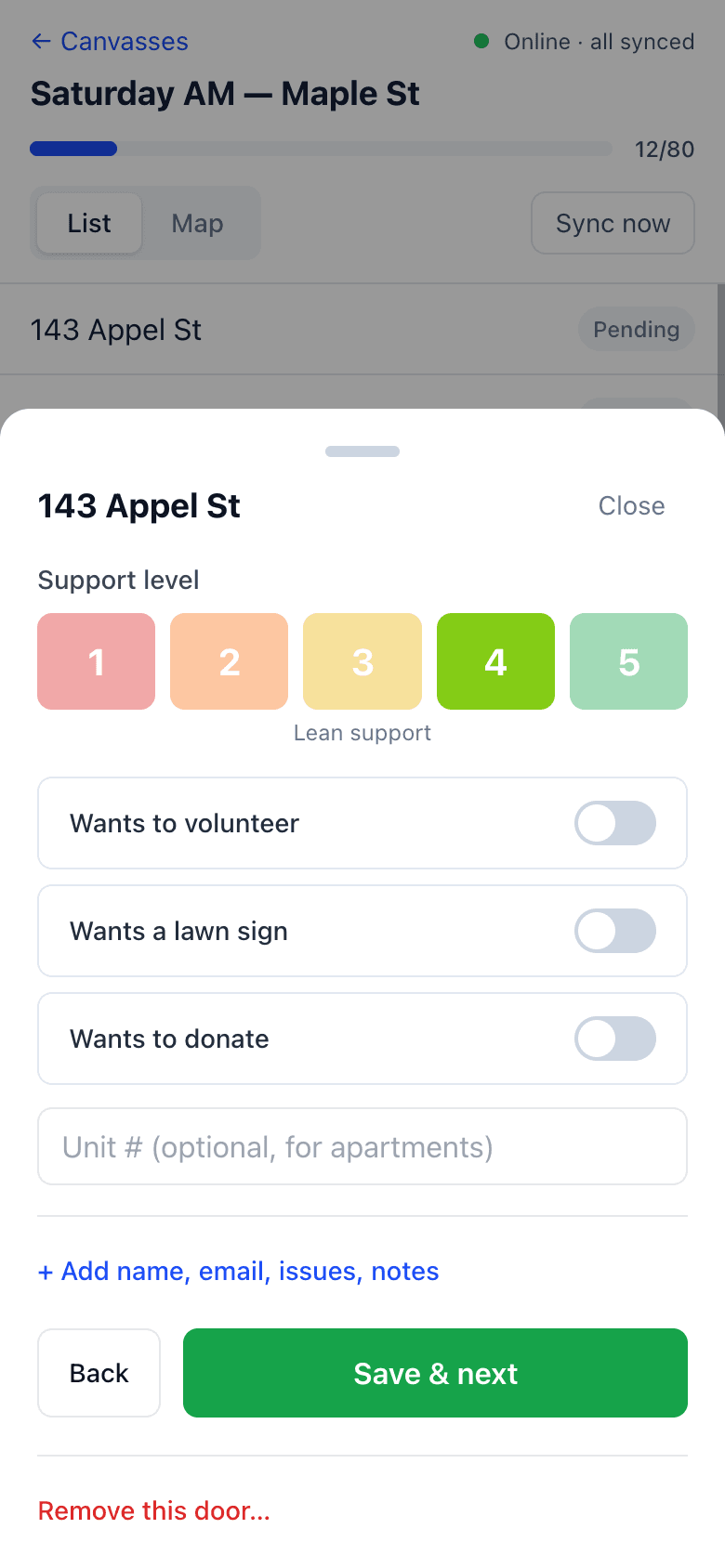
Tap a door and pick an outcome
Three primary outcomes:
- No answer
- Answered — then support 1–5 (Strong oppose → Strong support), plus toggles for Volunteer / Lawn sign (with size) / Donate, whether they can vote, optional contact fields, issues, notes, and any custom intake questions
- Literature dropped — for lit-only passes without a conversation
Print a walk sheet
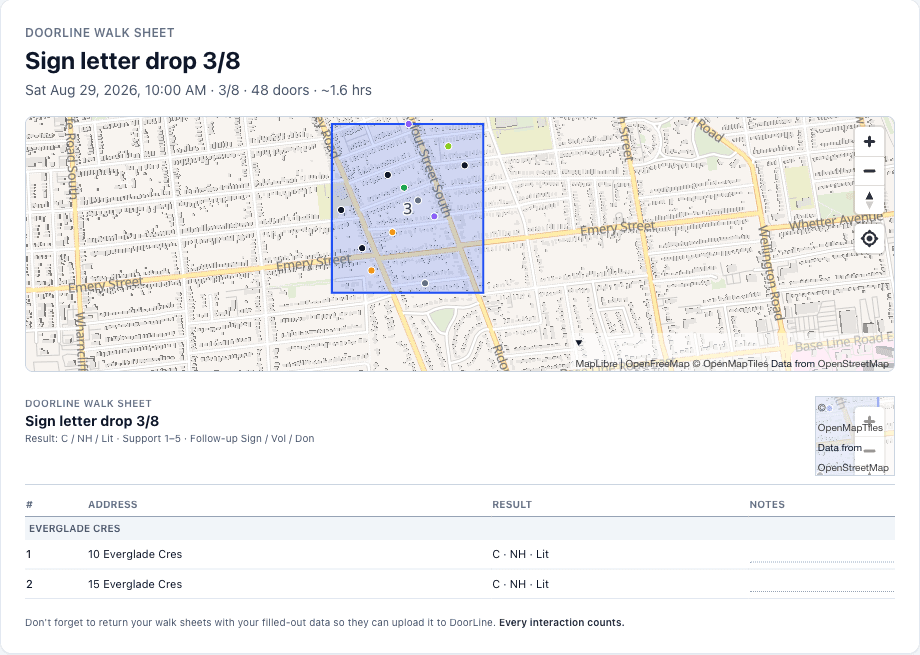
Print sheet opens a paper list in the same street order as List view: result boxes, support 1–5, Sign / Vol / Don, and notes. Eligible-voter and sign size stay on the phone form — they are too cramped for a photographable row. The first page is a full map of the canvass; every address page has a small map in the top right. The footer asks you to return filled sheets so they can be uploaded to DoorLine. When you are back, photograph the sheet in Manual Input.
Add a missing door if needed
If a house is on the street but missing from the list, use Add a new door while online so the team shares the same address going forward.
GOTV canvasses look different
A canvass with a green GOTV badge is a get-out-the-vote list: every door on it is someone who already told us they support the campaign. Tapping a door shows who to ask for (and their phone if we have it) and offers one-tap outcomes instead of the full form: Already voted, Reminded — will vote, Not home, Not voting for us, or Moved away.
Voted doors turn green and drop off the campaign's GOTV list for everyone. Not-home doors stay on it for a second pass. The full story is in the GOTV guide.
A canvass with a Signs badge is a deploy piece. Tap Add a sign if a neighbour wants one, you plant an extra, or you see a damaged sign. Full story: Lawn signs.
Offline sync & live teammates
Knocks save on the device immediately (IndexedDB). When signal returns, they sync automatically — or tap Sync now. Basements and dead zones should not lose an evening’s work.
While online, teammate GPS appears on the map so captains can spot who is where. Presence is scoped to the canvass.
Map colors (door status ≠ support)
Door pin colors mean knock status, not the 1–5 support score:
- Not knocked yet — black (outdoor readability). A colored ring around it means the campaign already visited this house on another list; tap the pin to read that result. This list still counts it as not done.
- No answer — grey (not amber, so it is not confused with mid support)
- Literature dropped
- Answered — colored by support 1–5 once recorded
Zoom in for house numbers when you need them outdoors. Full legend also appears on the admin Map & Turfs sidebar.