Address universe
Load every door in your ward — pick a ward, draw a boundary, upload KML, or import addresses.
For campaign adminsYour address universe is the full set of knockable doors for the campaign. Turfs only enclose addresses that already exist in this universe. Owners find it under Address Universe in the admin sidebar.
Pick a ward from city boundaries
If your city boundary set is available, select the ward on the map. DoorLine loads every address point inside that polygon. This is the fastest path for a typical municipal race.
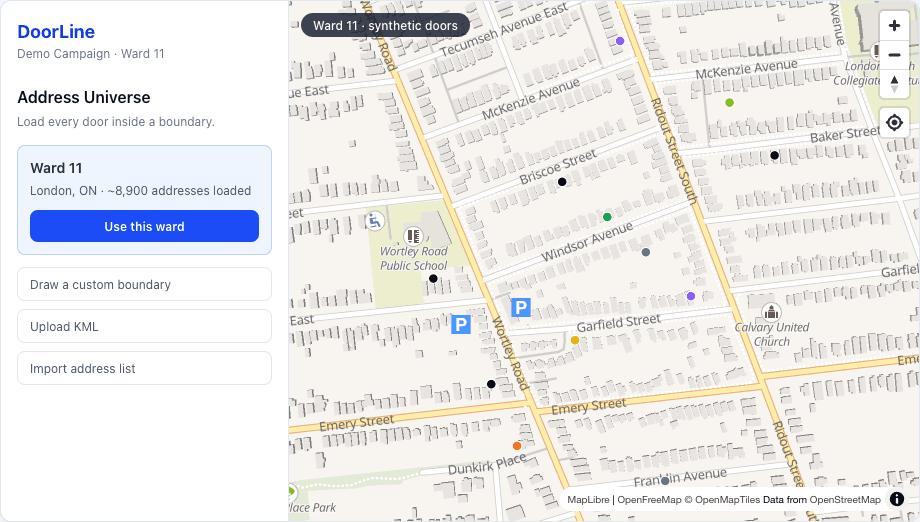
Or draw / upload a boundary
Draw a custom polygon if you only want part of a ward, or upload a KML from open data or your GIS export. Boundary import is especially useful when the city publishes official ward files.
Or import an address list
Prefer a spreadsheet of doors? Upload an address list and DoorLine geocodes what it can into the universe. Use this when you already maintain a targeted list outside the app.
What happens next
Once doors are loaded, open Map & Turfs and cut walkable chunks. The map shows door status colors as your team knocks — not-yet-knocked doors stay high-contrast for outdoor use.